
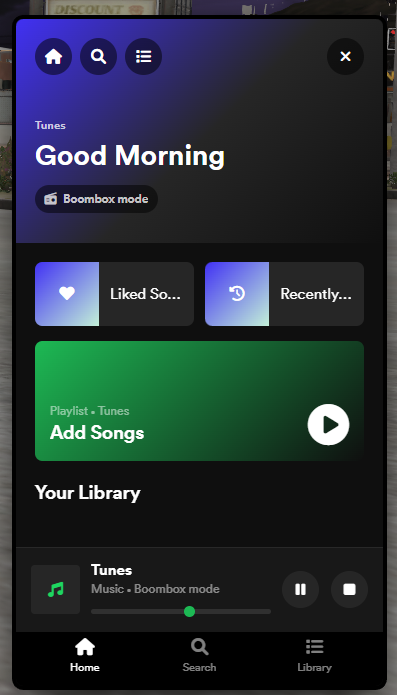
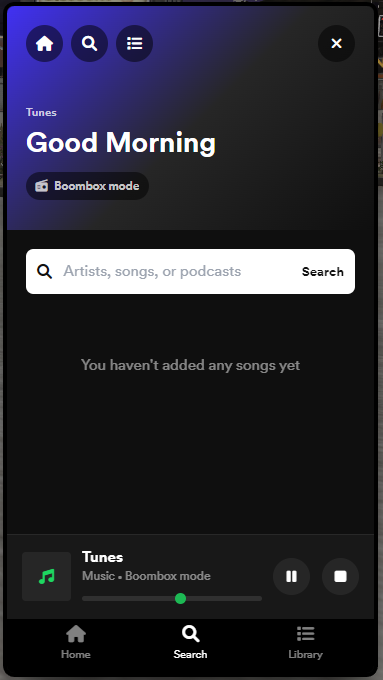
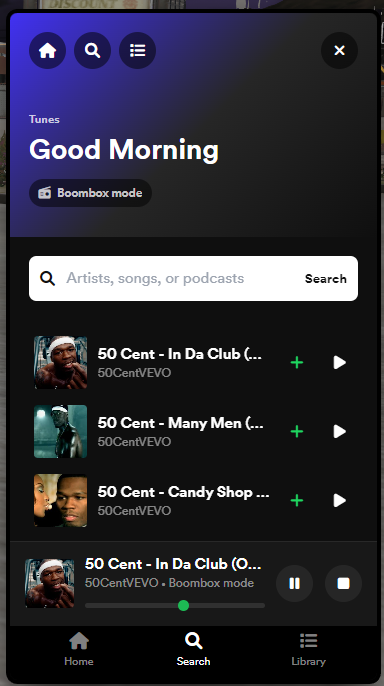
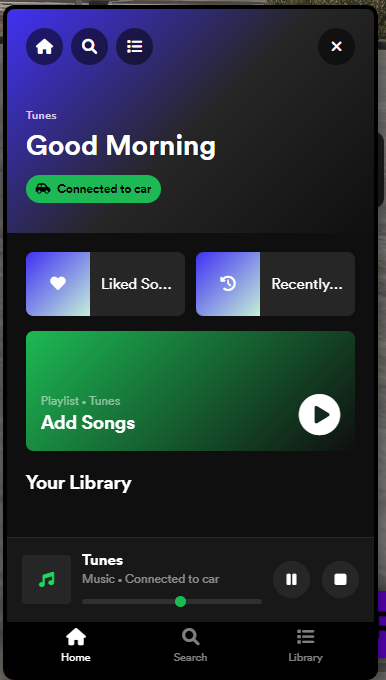
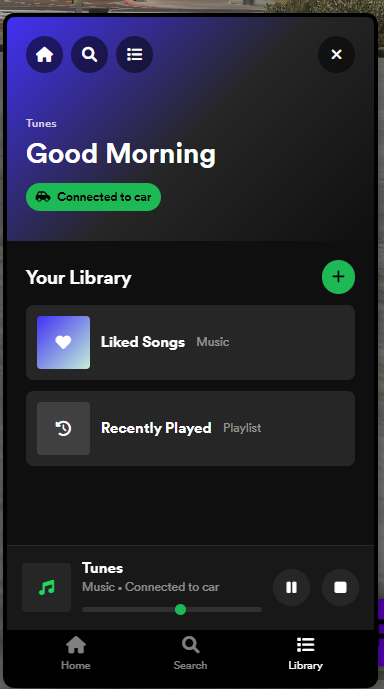
Tunes - Standalone FiveM Music System
Tunes is a standalone FiveM proximity music player built for servers that want clean, easy-to-use music in vehicles and on foot. Players can search YouTube, play tracks, manage their own station, use boombox playback, and share music naturally with nearby players through distance-based audio.
Live UI Tester
Want to preview the interface before buying? Try the live UI tester here.
Ongoing Development
Tunes is planned to receive updates in the near future with improvements, fixes, and new quality-of-life additions based on server feedback. Buyers will be able to keep up with development news, update information, and support through the UKCore Development Discord.
Join the development Discord: https://discord.gg/zAWXA3HDbA
Features
- Standalone FiveM music player
- YouTube search support using YouTube Data API v3
- Vehicle radio playback
- Boombox playback with place and pickup support
- Proximity-based audio with distance falloff
- Per-player stations
- Playlist support
- Volume command with mute, unmute, and 1-100 volume control
- Optional driver-only and vehicle-only restrictions
- Configurable interaction key, distances, volume, commands, and app name
- Multi-language UI files included
- Works with ESX, QB, QBX, or standalone identifier handling
Permission Options
- None: allow everyone to use Tunes
- Database: grant access through an SQL permission table
- Discord: allow access based on Discord role IDs
Admin Commands
/tunesid- check your detected permission IDgivetunes <serverId|permissionId>- grant temporary accesstunesaddperm <framework> <identifier> [label]- add permanent access from console
Player Commands
/tunes- open the music player/vol on- turn your station volume back on/vol off- mute your station/vol 1-100- set your station volumeG- place or pick up the boombox when boombox mode is active
Configuration
Tunes is easy to configure through config.lua. You can change the app name, command names, default volume, maximum hearing distance, full-volume distance, boombox settings, framework detection, and permission mode.
Requirements
- FiveM artifact with Lua 5.4 support
- YouTube Data API v3 key
oxmysqlrequired when using database permissionsox_liboptional, recommended for nicer permission notifications
Installation
- Place the resource folder into your server resources directory.
- Add
ensure tunesto yourserver.cfg. - Open
config.luaand add your YouTube Data API v3 key. - Configure permissions if you want restricted access.
- Restart your server and use
/tunesin game.
Why Use Tunes?
Tunes gives your community a polished music experience without forcing a heavy framework dependency. Whether you want public access, paid/VIP access, database grants, Discord role access, car radios, or portable boomboxes, Tunes gives you the tools to fit your server.
Note: A YouTube Data API v3 key is required for search functionality.
